Some people may be shocked to see this post from me, as I am known as a pro-open source advocate.
After a few years of many different Linux distros under my belt, I decided to go back to Windows.
Why?
It’s pretty simple. No matter what OS you use, there is always going to be problems. Solutions are created to handle these problems, but the timeline of resolution and type of problem that interrupts your workflow is the biggest issue of them all.
Windows just worked better when it came to software integration, hardware working as its supposed to, and a valued ecosystem of products and services for my workflow. It may not be the best for yours, and that’s for you to decide.
But doesn’t Windows / Microsoft scrape too much data? Yes, by default. You can adjust Windows to work for you as the tool it once was before all of this A.I. integration. You simply have to do the work and research about how to turn them off.
To me this was easier than a failed open source driver messing with my GPU or an application that requires additional codecs – just to name some of the most common Linux frustrations that I personally had.
But Microsoft still collects data about your computer. Yes. Yes, they do. How do you think Windows updates code are written? If you use Microsoft 365, you can either set up sync or choose not to. Better yet, buy a one time purchase of Office 2024 and keep everything to yourself, if you so desire.
So is Windows invasive compared to Linux? It depends on what access you allow Microsoft to have on your machine, and the same goes for Linux. If you allow Ubuntu or another distro to collect information about your computer during set up, then it’s no different.
So, make your own decision about what works for you.
It may be the Year of Linux desktops. Good for Linux.
Microsoft and Windows 11, along with software (app) add-ons from the Redmond giant has taken a turn to collect as much information about you as possible.
In my opinion, Microsoft has abandoned their user base in ways that portray a combination of Apple and Google, but with deep involvement of data collection of not only your PC, but also your Phone.
I decided to reinstall Windows 11 on a back up Lenovo ThinkPad, which I previously used Fedora Linux to see what exactly the latest user set up looks like.
I found that the setup process for Windows 11 was very long and invasive. The set up took almost 2 hours, not including the after install Windows 11 updates and adding my personal software preferences to the machine.
Windows 11, during the set up process, is constantly looking for updates and restarting, requiring a mandatory Microsoft ID (or create one) to activate your PC. In the midst of registering your PC, Microsoft asks that you verify your Microsoft ID with a Passkey or use your phone to set one up. While I won’t do either of these,I clicked on Passkey option and then clicked on Cancel. This brings up the option to use your password or an authenticator app.
At this point, it is clear that Microsoft is trying to click bait you into allowing your phone and it’s information to become a part of your Microsoft ID.
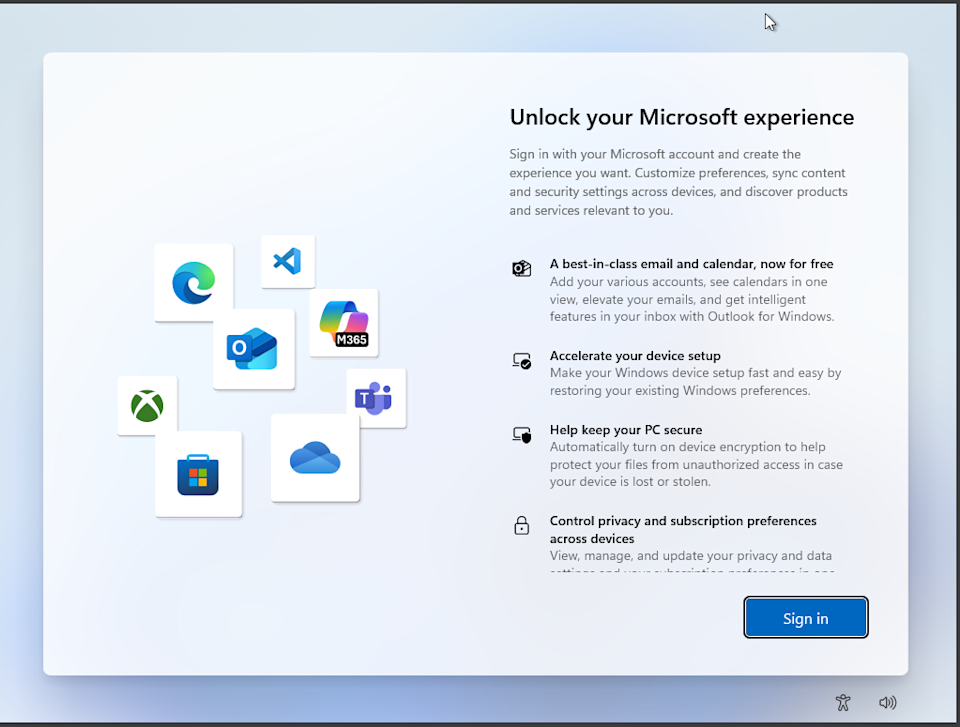
Microsoft then goes through a hard sell for Microsoft 365 (formerly Office and used to be included with Windows), an XBox subscription, and a checkbox questionnaire asking you how you plan on using your PC (business, student, developer, etc.).
Next, Microsoft then asks you to add your phone to Windows 11 (I would assume because you didn’t fall for the Passkey trick in the beginning of setup), turn on backup to OneDrive from your phone to save your pictures and documents, and then asks you if you want a Basic OneDrive subscription.
After all of this, your PC will restart a few times more and you can finally see your desktop. But don’t get settled in yet. Now we have to remove invasive Microsoft and 3rd party apps, deal with Microsoft Edge data collection and forcing its way into your workflow, update Windows 11, and change settings, and tucked away setting, to prevent Microsoft from collecting data.
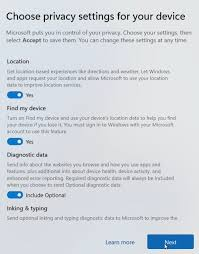
When we started this installation, Microsoft ask us if we want to turn off or on multiple security options, such as access to your location, typing and other personal tracking such as other data collection – but those options were just the tip of the iceberg. There are many other settings in Windows 11 that should be modified, and can take some time to review / turn off / remove.
I’m not going to go into detail here, and maybe I will in a future article, but Windows clearly took the mandatory Microsoft ID sign in from Apple for ‘security and Windows Activation’ and combined it with Google’s idea of data collection to create a data collection monster to sell your information, share your information with 3rd party services, show you ads, and completely ruin your Windows 11 experience to the point where people are leaving Microsoft in the dust to a better user controlled experience with Apple or Linux.
I have recently experimented with different Linux Distros recently on my main PC (and have done so since the late 1990’s), and the experience is overwhelmingly positive. But, I also know what I am doing with Linux. This also brings into light the advantage Microsoft has over you switching to Linux or paying an obscene amount of money for Apple ‘rented’ hardware for 6-8 years – I’ll get into that in another article as well.
While I am a fan of Ubuntu and Fedora Linux, I also have a craving for new Distros and flavors when they are released.
This is a part of the beauty of Linux. Born from one objective, made to satisfy a diverse workflow of needs in each distribution. As you may know, I am pretty forward thinking and open-minded when it comes to the technology of stationary and mobile systems.
I have used and upgraded hardware and software systems from Linux machines, Apple, and Windows since the dawn of Windows 95.
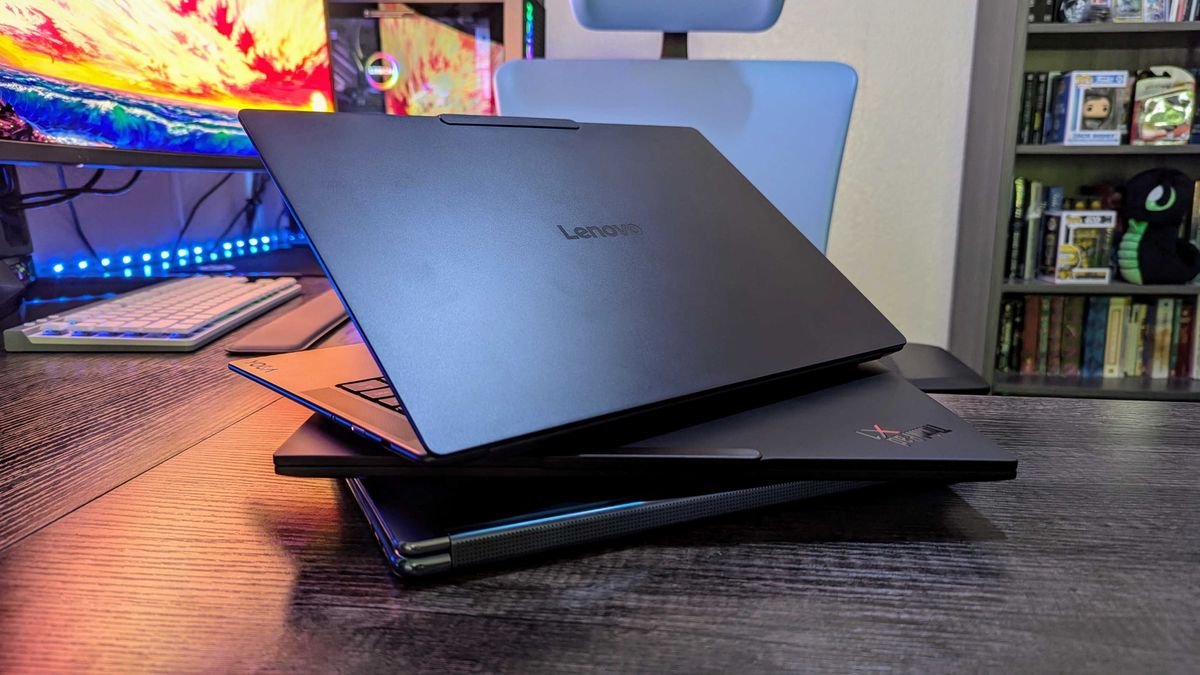
To this day, Lenovo has since been King of running Windows and Linux since the birth of the ThinkPad because they have the best repairability and upgradable track record of them all. My ThinkPad T490 (released in 2019) is where I am installing Linux Mint and removing Ubuntu 25.10.
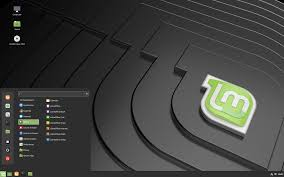
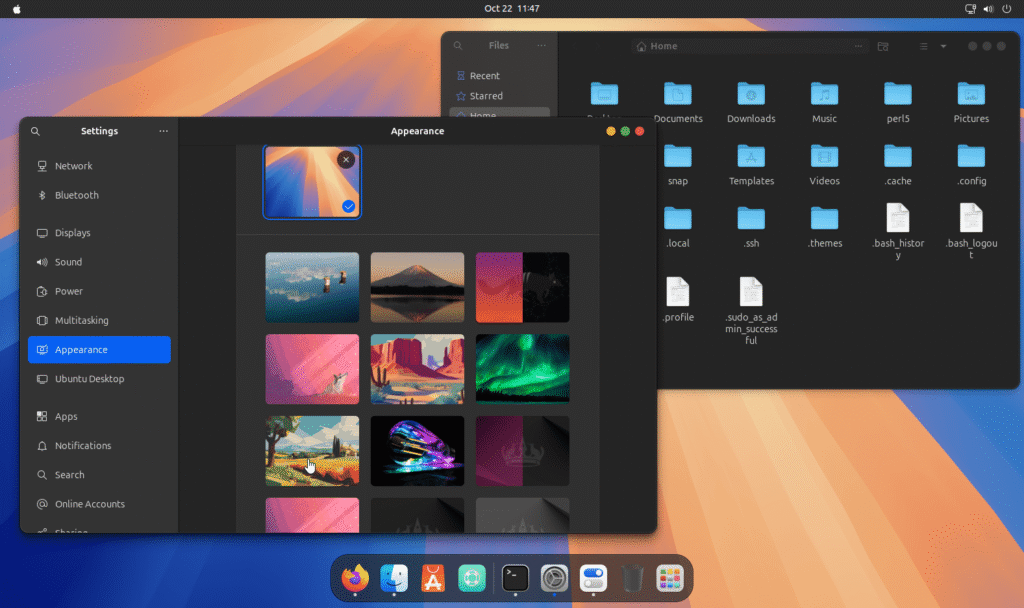
Linux Mint 22.3 is a very down-to-earth OS where users can feel right at home coming from either Windows or Mac OS. It’s simplified user interface makes it so easy to learn, and the Gnome desktop feels welcoming yet modern at the same time as you can customize it to your needs and workflow. Another welcoming add-on is the fingerprint scanner software, that works out of the box, on laptops with a fingerprint scanner installed.
Linux Mint comes with a web browser, office applications, a music and video player, and so many more preinstalled apps (called packages in the Linux world) that help even the newest Linux user feel right at home.
Unlike Windows and Mac OS, the user has complete control over the software and OS itself. So, if you prefer a different web browser than Firefox, which is preinstalled on many distros, you can add and remove apps right within the app store or download them over the internet (I prefer to stick to the Flatpack app store for security reasons) as long as the app is supported.
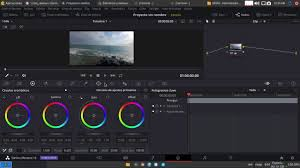
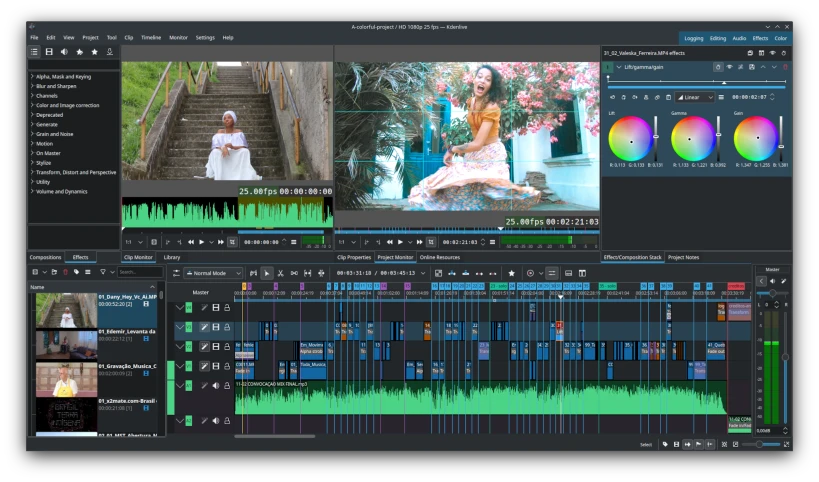
Proprietary software, such as DaVinci Resolve, can be downloaded for Linux but is not available in the App Store since it is not considered Open Source, but has a free and paid version available. If you would like to keep supporting Open Source software, a very good alternative is KDEnlive, which is available in the app store.
So, as I use Linux Mint 22.3, I will keep you guys updated on my YouTube channel as to whether or not I have become a fan or switched back to Ubuntu.
There is so much hate on Windows 11 these days, and I can understand why – especially those using Windows 10 and do not or cannot upgrade to Windows 11. However, when you’re looking at Windows versus Mac or Linux, you might be rather shocked for very different reasons.
On average, Microsoft keeps a current operating system alive and well for 10 years with OS and security updates. That’s pretty good when you consider Apple only offers 6 or maybe 7 years on their hardware, and you’re stuck with what you buy from Apple for the lifetime of your device. No upgrading of any kind.
Do I hate Apple? No, I just think that their business model is catered towards their own profit and nothing more – not to mention illogical and somewhat sneaky. For example, I have a 2019 Macbook Pro (15 in, intel i9, 32GB RAM, Nvidia graphics card and 512GB SSD) and it runs perfectly fine as a basic laptop compared to the powerhouse it once was since Apple doesn’t really focus on user experience of hardware from previous years including and up to end-of-life products. As a matter of fact, it would run Windows 11 or Linux very well, and due to the drop in support for this macbook Pro as of this year and the security chip Apple installed, I cannot install Windows or Linux on it in place of Mac OS directly. But I own it. I paid for it. So, eventually this will become a brick with an original price of over $3000 back in 2019 of wasted money. I honestly feel like I rented it.
Let’s look at Linux. I’ve dabbled in Linux since 2000, and it has become a more user friendly OS (depending on the Distro as well) over the years. Linux can bring an old PC, Mac, or laptop back to life so easily (except if you have a Mac with a security chip installed by Apple like me) and prevent it from becoming waste in a landfill. Linux is probably the only ‘Green’ operating system available to everyone – and it’s free thanks to dedicated people willing to develop and keep the open source project alive. BUT, there is a cost. Linux does not support many applications like Mac and Windows machines do, but there are many MANY alternatives that can take the place of what people use every day. You just have to be willing to learn a little bit.
Just so you’re aware, I am writing this article on a Lenovo Thinkpad T490. It’s an old machine, and like my Macbook Pro, it was released in 2019. I am running Windows 11 Pro on it without any issues, although it has an Intel i7 processor, 32GB of RAM, and it too has a Nvidia graphics card. The difference is that I can open this laptop, which I did, and I upgraded the SSD to 2TB. I have the option to upgrade the memory to 48GB. I also replaced the battery with a new one, and it even installs Linux or Windows 11 flawlessly. You can find videos on YouTube to show you how to do all of these things. Lenovo even has posted videos on YouTube with step-by-step instructions about how to upgrade your machine.
How much did I pay for the laptop on ebay? $250. I paid $150 for the Samsung evo plus 2TB SSD from Best Buy, and the battery was $50 on Amazon. So I basically got a brand new 14 inch laptop with many bells and whistles for less than $500 – that, my friend, is value. Best of all, it didn’t end up in a landfill.
If you’re like me, using Windows 11 is getting on my nerves. The constant push of the Edge browser, the data collection by Microsoft, and the constant updates that sometimes crash your PC (this has happened to me more than once in the past year on my Dell XPS PC).
I used to use Linux in the past. Ubuntu and Zorin to be exact. The only thing that has kept me on Windows 11 was the usability of Adobe software suite, which isn’t available for Linux.
Why won’t I move to Mac OS and a new Macbook Pro or Mac Mini?
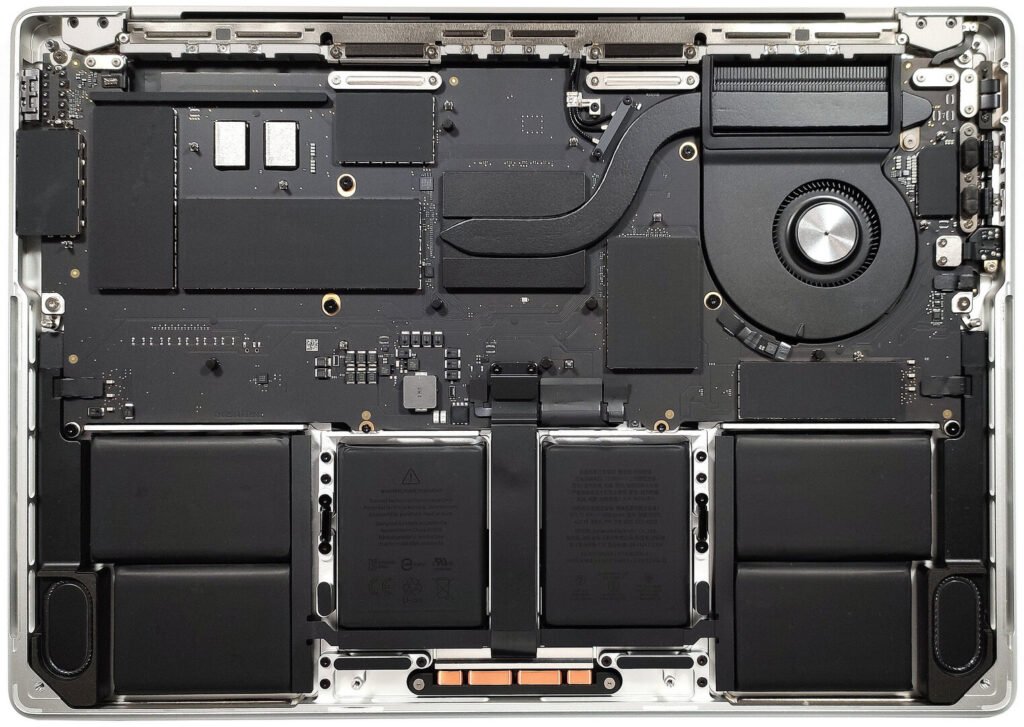
While I have used Apple products off and on since the white glossy iBook was released, which has retired many many years ago, Apple has changed the way they build their products. With the inability to upgrade due to soldering on components, this makes Apple less environmentally friendly and much less cost effective for consumers and businesses alike once you need to upgrade. Plus, since the onboarding of Tim Cook, Apple has been collecting too much information over their devices about their users and innovation has completely stalled within the company. So, I’d rather invest in a Windows or machine made specifically for Linux.
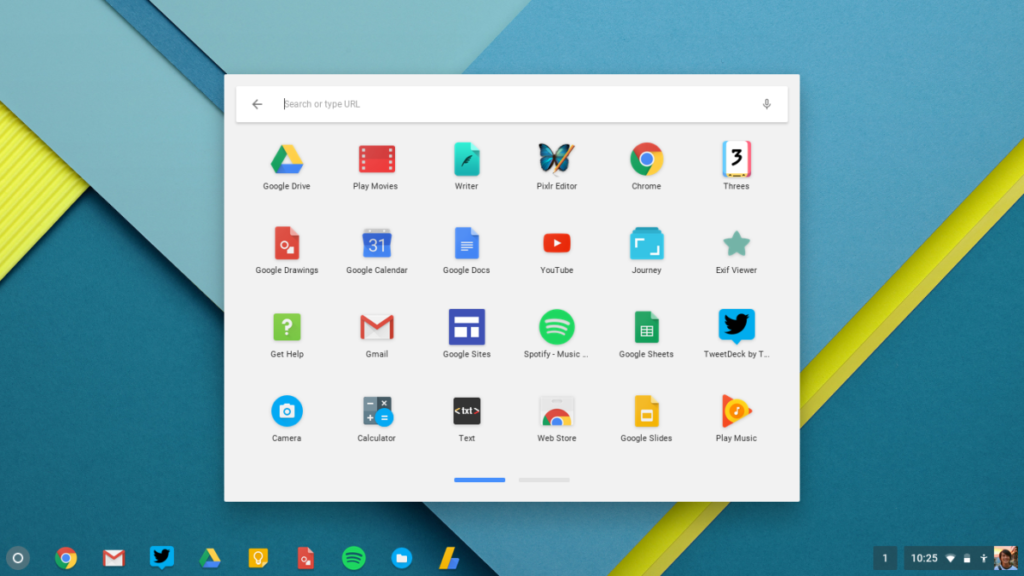
What about Chrome OS?
As much as I love Chromebooks and Chromebases for the simplicity, security, and up to 10 years of updates, again I can’t use Adobe Software on these devices either outside of an app.
With Linux available in many flavorful distributions, there simply isn’t a common distro for everyone and you have to do research on which one will work best for you. However, with Linux, you can start with a basic stripped down distro and add on packages (applications) as you see fit either through the terminal or from a package (app) Linux store, which since they’re open source (most of them), they will be free.
And that is the heart of Linux, open source and free operating system / software with an amazing and fruitful support community. So, I may start again with Linux as a dual boot on my current desktop PC (Windows 11 and Linux) just to see how I handle the migration over time and find the replacement apps that I need to dump my expensive Adobe subscription once and for all.
Have you used Linux? What distro do you prefer? Or would you prefer to stick with Mac OS or Windows 11?
When it comes to using software and apps outside of your operating system, many products and services are now requiring you to pay a monthly or yearly reoccurring charge. When you add everything up, it’s going to get expensive.
This is when consumers and businesses alike start looking for other ways to be productive without these fees. Some apps offer online services, such as Canva or even the free version of Microsoft Office 365, but they will gather your data in place of charging you a fee which raises privacy concerns.
So, where can we go since Microsoft no longer includes Office installed on your PC, or where can we find a more universally compatible office software suite outside of Apple’s productive trio of Pages, Numbers, and Keynote?
The answer is Open Source.
Open Source software isn’t what most people think it is. The minute someone hears, ‘open source’, especially Apple devotees, they think of Google and Android which some feel that this is an immediate red flag.
While Android is actually created from a Linux distribution, and so is iOS and Mac OS in a nutshell, they are both derived from Unix. I’m not going to go into great detail about the differences here, but you get the idea.
Anyway, back to the Open Source software idea. Open Source is distribution of Operating Systems and Applications created by developers in their free time which the code of the software can be modified to fit a need. This means that as long as you download an app or software from a reliable source (I always go to the original developer) you’re probably not going to have any issues. Maybe a bug here and there, but these developers are very efficient in fixing issues once they come up.
Now, let’s talk about the Office software alternatives I use and would highly recommend.
Microsoft Office. MS Office has been around for ages – since Windows 95. This software used to come included with Windows when we paid for a windows license or upgraded our operating system. Today, Microsoft Office (now known as Microsoft Office 365 Copilot) charges a monthly or annual fee to use the product. There is a free version available online, but this offering probably collects data.
As an alternative to Microsoft Office, and also the software I used to type up this article, is called LibreOffice. LibreOffice has also been available for many years, and is also the most popular Open Source version of an Office based product with paralleled compatibility with the original Microsoft Office. So, you could use this software in business, as a student writing a paper for class, or even for simple everyday use. The best part about LibreOffice is that it is not associated with an online server or ‘cloud’ service. It is installed and operates directly from your PC, Mac, or Linux computer. This means you have control over the data – your data and where you store it.
Outlook | Gmail
Personally, I started using Mailspring recently for my personal and business email. It was very easy to set up and again, it’s Open Source and runs directly from my PC.
What about Creative Software?
Adobe, the suite of software that has become even less affordable than Microsoft Office, also has a monthly or annual fee attached to it. These fees are absolutely abhorrent. So, let’s look at some Open Source software available for Windows, Mac, and Linux.
Adobe Premier Pro and / or After Effects
DaVinci Resolve – not open source, but there is a free edition
KDEnlive – Open Source and is favored by the Linux community
CapCut – Not recommended. Easy to use, but tied to a server like Canva.
Adobe Photoshop
G.I.M.P. – Open Source and used vastly by Windows and Linux users
Darktable – Open Source
Krita – Open Source Paint application
Inkscape – Open Source Vendor Graphics software
Blender – 3D model software
These are just a few of many apps that are Open Source and can be used on almost any operating system as an online service (server) or stored locally on your device. I prefer the apps stored locally on my PC, which removes the possibility of data collection. I would also advise trying them over the paid original software (Adobe, Microsoft, etc.) because if you move to another Operating System, such as Linux or Mac to Windows, you won’t have to learn a new application as a creative.
Opinion of a Snapdragon X Elite Laptop as My Daily Driver
When it comes to new laptops built with the newest technology, the Snapdragon X Elite chip is one not to be ignored. Microsoft has incorporated these chips into their own Surface branded machines, several manufacturers have followed suit, for a very good reason.
In December of 2025, I was looking for a laptop to replace my dated Lenovo Thinkpad. Now, this ThinkPad works for basic everyday use, but I needed one that could edit videos if I was not able to do so from my Dell XPS desktop.
First I bought an Alienware gaming PC with more power than I actually needed, and was upgradable (RAM and SSD) for future-proofing my machine. However, I ran into issues with updating the graphics driver through Windows 11 update and also directly from Nvidia. This, plus the weight of the machine, made me very uncomfortable with my purchase.
I ended up returning the machine and decided to keep my mind open for other options, which is where I discovered the newer Snapdragon X Plus and Elite chipsets in slimmer machine profiles. Mind you, these ARM Snapdragon chips were introduced in early 2025, so I was not aware of them upon release, and Microsoft had used ARM based processors in their early line of Surface products which apparently didn’t do well.
As with any newer chipsets, like the Apple M Processors, developers have to be willing to make software that meets the functionality and design of these new processors. This can take some time, but many have made an effort in order to do so.
Luckily I made my purchase almost a year after all of the social media influencers have dealt a sour hand to Snapdragon throughout 2025, especially those who are Apple devotees, which my experience has been nothing but incredible to say the least.
All of this praise doesn’t come with a bit of drawback. Adobe hasn’t been friendly with the Snapdragon chips as of yet (early 2026) and their beta apps aren’t ready for mainstream, so I switched to DaVinci Resolve, which works flawlessly for editing videos. Another setback is the development of Linux for these machines. While I have not tried to install Ubuntu or Fedora, which both have 64 bit ARM distro releases available, I have read that performance is not as expected like it would be on an Intel or AMD machine. I decided to stick with Windows 11 and disabled many settings to keep my new PC private. Of course, a reputable VPN never hurts either.
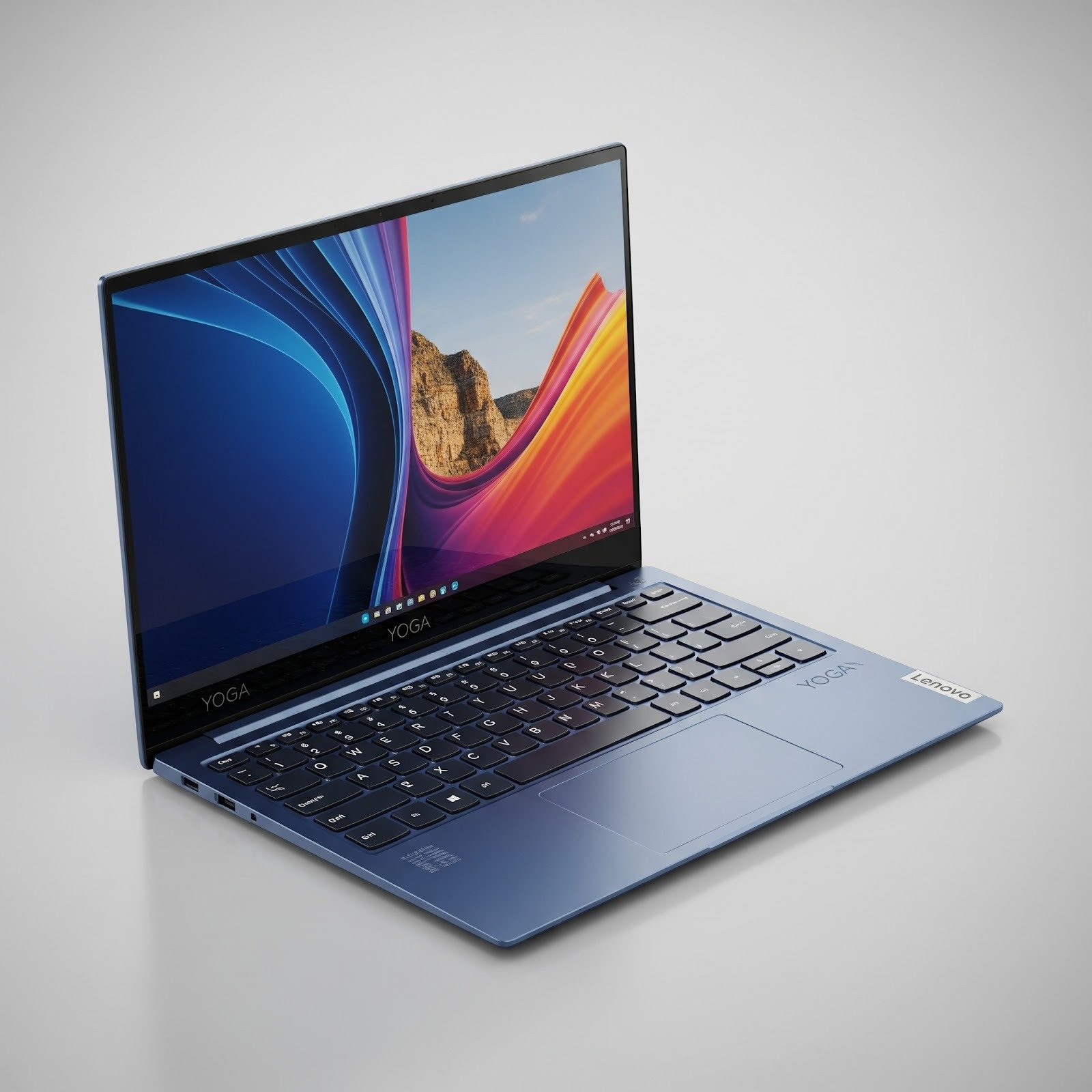
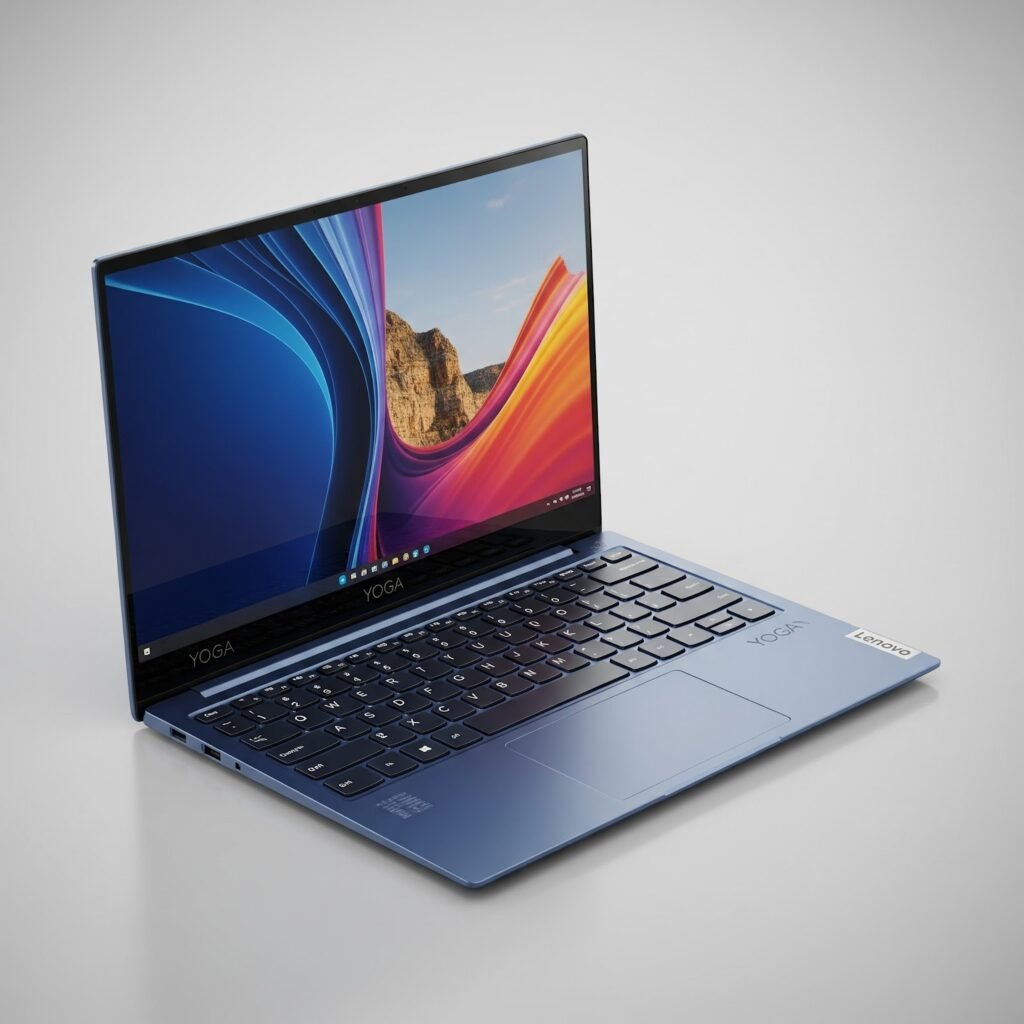
My personal experience with these Snapdragon chips has been overwhelmingly positive and I appreciate the slim and lightweight design of these machines over a gaming laptop. I did purchase my Lenovo Yoga Slim 7X on sale, which made the buying process even better.
Would I recommend this and other Snapdragon based PCs? Absolutely. With the combined attributes of weight, speed, design, and value for the money, you simply can’t go wrong with a Snapdragon plus or elite PC.
Dare I even say, it’s more impressive and faster than a Mac in real life use.
There are so many people looking to establish a new micro business today. But what is a micro business?
A micro business is another name for a single person operation of a small business who is responsible for all actions and recordkeeping of a small business. In most cases, this micro business owner doesn’t have regular employees, but may have a small circle of paid contracted individuals who are assigned certain responsibilities to help lessen the workload.
Why seek outside help?
When you’re an owner of a micro business, your responsibilities include meeting and exceeding the expectations of clients, advertising / marketing, product development, and keeping track of financials. To satisfy these expectations can be overwhelming, especially when you have to remember to stay current on trend (COT) with research and development in your market, renewing and applying for annual registrations or licensing, and complying with quarterly and annual local, state, and federal laws and tax requirements.
Most micro business owners will hire an accountant to keep record on their taxes and other financial requirements, while others will hire contractors to assist with video editing, marketing, etc. The main concern and focus of a micro business owner is their brand. I know that the word ‘brand’ has been overused, misinterpreted, and quite frankly abused as people now think that you have to establish a ‘brand’ in order to survive both personally and professionally.
Technology and Organization
Staying up to date on technology and using this technology as a tool in your micro business is essential to survival. As the world becomes smaller through instant communication, shorter attention spans, and social media, it’s most important to have a presence within social media on your choice of platform(s) which clearly allows you to be visible to your desired audience. While a cloud service isn’t an actual contractor doing work, it’s a paid monthly service to keep information safe.
Whether you desire a specific brand of technology or prefer to create your own ecosystem, the central hub is the heart of everything within your business. I speaking about cloud services or hosting your own NAS, your information should remain private and secure. As for myself, I rely on both a NAS and cloud services to stay connected to my important documents and videos or pictures of product and services. While cloud services offer instant uploading, sharing, and saving, the NAS gives me complete control over my data, which I tend to back up at least once a month.
This is just the tip of the iceberg
As there are many sources online to hire a contractor to help you with your business goals, there are also many A.I. alternatives that can help or hinder your business – so please be careful. One service that I always count on and has never failed me is Google Workspace. I’ve been using Google Workspace for years for file sharing, client collaboration, scheduling, and even even moderate A.I. assistance.