When it comes to using software and apps outside of your operating system, many products and services are now requiring you to pay a monthly or yearly reoccurring charge. When you add everything up, it’s going to get expensive.
This is when consumers and businesses alike start looking for other ways to be productive without these fees. Some apps offer online services, such as Canva or even the free version of Microsoft Office 365, but they will gather your data in place of charging you a fee which raises privacy concerns.
So, where can we go since Microsoft no longer includes Office installed on your PC, or where can we find a more universally compatible office software suite outside of Apple’s productive trio of Pages, Numbers, and Keynote?
The answer is Open Source.
Open Source software isn’t what most people think it is. The minute someone hears, ‘open source’, especially Apple devotees, they think of Google and Android which some feel that this is an immediate red flag.
While Android is actually created from a Linux distribution, and so is iOS and Mac OS in a nutshell, they are both derived from Unix. I’m not going to go into great detail about the differences here, but you get the idea.
Anyway, back to the Open Source software idea. Open Source is distribution of Operating Systems and Applications created by developers in their free time which the code of the software can be modified to fit a need. This means that as long as you download an app or software from a reliable source (I always go to the original developer) you’re probably not going to have any issues. Maybe a bug here and there, but these developers are very efficient in fixing issues once they come up.
Now, let’s talk about the Office software alternatives I use and would highly recommend.
Microsoft Office. MS Office has been around for ages – since Windows 95. This software used to come included with Windows when we paid for a windows license or upgraded our operating system. Today, Microsoft Office (now known as Microsoft Office 365 Copilot) charges a monthly or annual fee to use the product. There is a free version available online, but this offering probably collects data.
As an alternative to Microsoft Office, and also the software I used to type up this article, is called LibreOffice. LibreOffice has also been available for many years, and is also the most popular Open Source version of an Office based product with paralleled compatibility with the original Microsoft Office. So, you could use this software in business, as a student writing a paper for class, or even for simple everyday use. The best part about LibreOffice is that it is not associated with an online server or ‘cloud’ service. It is installed and operates directly from your PC, Mac, or Linux computer. This means you have control over the data – your data and where you store it.
Outlook | Gmail
Personally, I started using Mailspring recently for my personal and business email. It was very easy to set up and again, it’s Open Source and runs directly from my PC.
What about Creative Software?
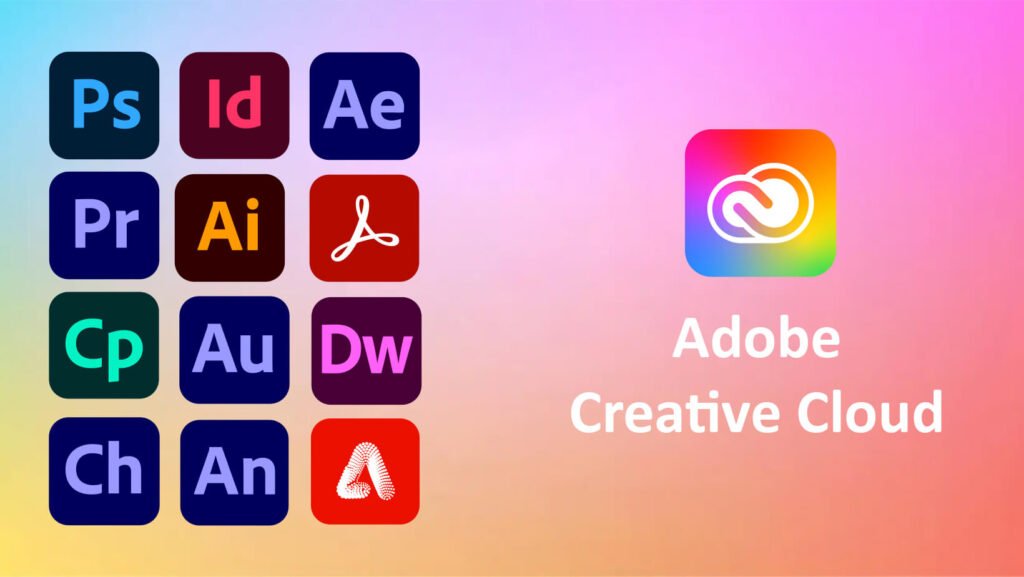
Adobe, the suite of software that has become even less affordable than Microsoft Office, also has a monthly or annual fee attached to it. These fees are absolutely abhorrent. So, let’s look at some Open Source software available for Windows, Mac, and Linux.
Adobe Premier Pro and / or After Effects
- DaVinci Resolve – not open source, but there is a free edition
- KDEnlive – Open Source and is favored by the Linux community
- CapCut – Not recommended. Easy to use, but tied to a server like Canva.
Adobe Photoshop
- G.I.M.P. – Open Source and used vastly by Windows and Linux users
- Darktable – Open Source
- Krita – Open Source Paint application
- Inkscape – Open Source Vendor Graphics software
- Blender – 3D model software
These are just a few of many apps that are Open Source and can be used on almost any operating system as an online service (server) or stored locally on your device. I prefer the apps stored locally on my PC, which removes the possibility of data collection. I would also advise trying them over the paid original software (Adobe, Microsoft, etc.) because if you move to another Operating System, such as Linux or Mac to Windows, you won’t have to learn a new application as a creative.