Category: Uncategorized

  • The New Microsoft Way

    The New Microsoft Way

    Microsoft and Windows 11, along with software (app) add-ons from the Redmond giant has taken a turn to collect as much information about you as possible.

    In my opinion, Microsoft has abandoned their user base in ways that portray a combination of Apple and Google, but with deep involvement of data collection of not only your PC, but also your Phone.

    I decided to reinstall Windows 11 on a back up Lenovo ThinkPad, which I previously used Fedora Linux to see what exactly the latest user set up looks like.

    I found that the setup process for Windows 11 was very long and invasive. The set up took almost 2 hours, not including the after install Windows 11 updates and adding my personal software preferences to the machine.

    Windows 11, during the set up process, is constantly looking for updates and restarting, requiring a mandatory Microsoft ID (or create one) to activate your PC. In the midst of registering your PC, Microsoft asks that you verify your Microsoft ID with a Passkey or use your phone to set one up. While I won’t do either of these, I clicked on Passkey option and then clicked on Cancel. This brings up the option to use your password or an authenticator app.
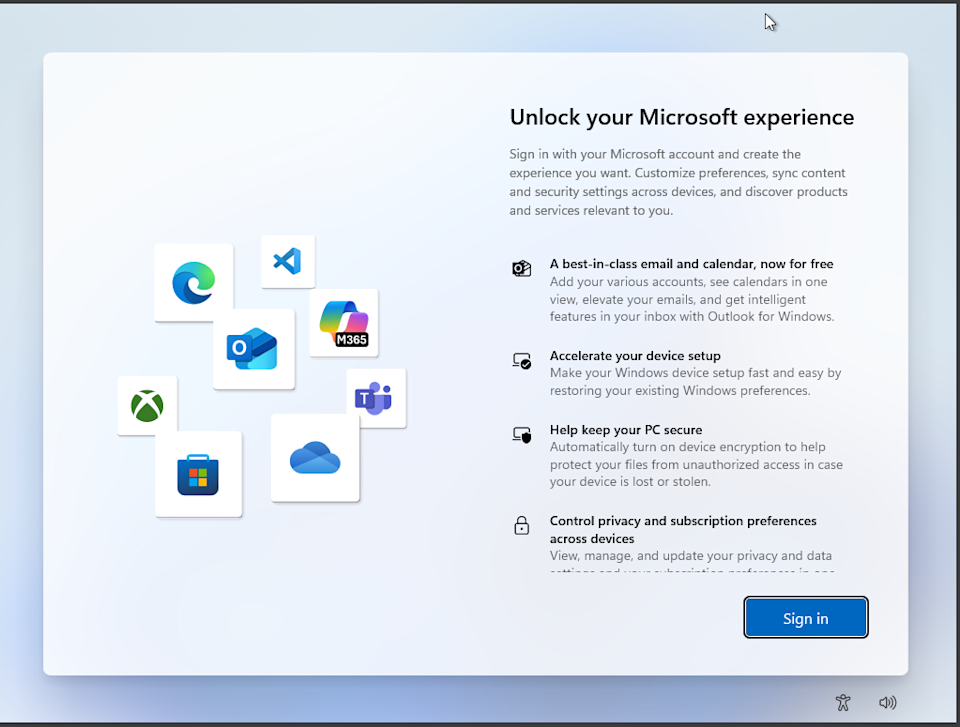
    At this point, it is clear that Microsoft is trying to click bait you into allowing your phone and it’s information to become a part of your Microsoft ID.

    Microsoft then goes through a hard sell for Microsoft 365 (formerly Office and used to be included with Windows), an XBox subscription, and a checkbox questionnaire asking you how you plan on using your PC (business, student, developer, etc.).
    Next, Microsoft then asks you to add your phone to Windows 11 (I would assume because you didn’t fall for the Passkey trick in the beginning of setup), turn on backup to OneDrive from your phone to save your pictures and documents, and then asks you if you want a Basic OneDrive subscription.
    After all of this, your PC will restart a few times more and you can finally see your desktop. But don’t get settled in yet. Now we have to remove invasive Microsoft and 3rd party apps, deal with Microsoft Edge data collection and forcing its way into your workflow, update Windows 11, and change settings, and tucked away setting, to prevent Microsoft from collecting data.
    When we started this installation, Microsoft ask us if we want to turn off or on multiple security options, such as access to your location, typing and other personal tracking such as other data collection – but those options were just the tip of the iceberg. There are many other settings in Windows 11 that should be modified, and can take some time to review / turn off / remove.
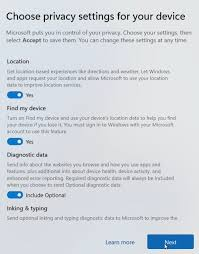
    I’m not going to go into detail here, and maybe I will in a future article, but Windows clearly took the mandatory Microsoft ID sign in from Apple for ‘security and Windows Activation’ and combined it with Google’s idea of data collection to create a data collection monster to sell your information, share your information with 3rd party services, show you ads, and completely ruin your Windows 11 experience to the point where people are leaving Microsoft in the dust to a better user controlled experience with Apple or Linux.

    I have recently experimented with different Linux Distros recently on my main PC (and have done so since the late 1990’s), and the experience is overwhelmingly positive. But, I also know what I am doing with Linux. This also brings into light the advantage Microsoft has over you switching to Linux or paying an obscene amount of money for Apple ‘rented’ hardware for 6-8 years – I’ll get into that in another article as well.
  • Office and Productivity Alternatives in 2026

    Office and Productivity Alternatives in 2026

    When it comes to using software and apps outside of your operating system, many products and services are now requiring you to pay a monthly or yearly reoccurring charge. When you add everything up, it’s going to get expensive.

    This is when consumers and businesses alike start looking for other ways to be productive without these fees. Some apps offer online services, such as Canva or even the free version of Microsoft Office 365, but they will gather your data in place of charging you a fee which raises privacy concerns.

    So, where can we go since Microsoft no longer includes Office installed on your PC, or where can we find a more universally compatible office software suite outside of Apple’s productive trio of Pages, Numbers, and Keynote?

    The answer is Open Source. 

    Open Source software isn’t what most people think it is. The minute someone hears, ‘open source’, especially Apple devotees, they think of Google and Android which some feel that this is an immediate red flag.

    While Android is actually created from a Linux distribution, and so is iOS and Mac OS in a nutshell, they are both derived from Unix. I’m not going to go into great detail about the differences here, but you get the idea.

    Anyway, back to the Open Source software idea. Open Source is distribution of Operating Systems and Applications created by developers in their free time which the code of the software can be modified to fit a need. This means that as long as you download an app or software from a reliable source (I always go to the original developer) you’re probably not going to have any issues. Maybe a bug here and there, but these developers are very efficient in fixing issues once they come up.

    Now, let’s talk about the Office software alternatives I use and would highly recommend.

    Microsoft Office. MS Office has been around for ages – since Windows 95. This software used to come included with Windows when we paid for a windows license or upgraded our operating system. Today, Microsoft Office (now known as Microsoft Office 365 Copilot) charges a monthly or annual fee to use the product. There is a free version available online, but this offering probably collects data.

    As an alternative to Microsoft Office, and also the software I used to type up this article, is called LibreOffice. LibreOffice has also been available for many years, and is also the most popular Open Source version of an Office based product with paralleled compatibility with the original Microsoft Office. So, you could use this software in business, as a student writing a paper for class, or even for simple everyday use. The best part about LibreOffice is that it is not associated with an online server or ‘cloud’ service. It is installed and operates directly from your PC, Mac, or Linux computer. This means you have control over the data – your data and where you store it. 

    Outlook | Gmail

    Personally, I started using Mailspring recently for my personal and business email. It was very easy to set up and again, it’s Open Source and runs directly from my PC. 

    What about Creative Software?

    Adobe, the suite of software that has become even less affordable than Microsoft Office, also has a monthly or annual fee attached to it. These fees are absolutely abhorrent. So, let’s look at some Open Source software available for Windows, Mac, and Linux. 

    Adobe Premier Pro and / or After Effects

    • DaVinci Resolve – not open source, but there is a free edition
    • KDEnlive – Open Source and is favored by the Linux community
    • CapCut – Not recommended. Easy to use, but tied to a server like Canva.

    Adobe Photoshop

    • G.I.M.P. – Open Source and used vastly by Windows and Linux users
    • Darktable – Open Source 
    • Krita – Open Source Paint application
    • Inkscape – Open Source Vendor Graphics software
    • Blender – 3D model software

    These are just a few of many apps that are Open Source and can be used on almost any operating system as an online service (server) or stored locally on your device. I prefer the apps stored locally on my PC, which removes the possibility of data collection. I would also advise trying them over the paid original software (Adobe, Microsoft, etc.) because if you move to another Operating System, such as Linux or Mac to Windows, you won’t have to learn a new application as a creative.

  • Snapdragon X Elite Laptop

    Snapdragon X Elite Laptop

    Opinion of a Snapdragon X Elite Laptop as My Daily Driver

    When it comes to new laptops built with the newest technology, the Snapdragon X Elite chip is one not to be ignored. Microsoft has incorporated these chips into their own Surface branded machines, several manufacturers have followed suit, for a very good reason. 

    In December of 2025, I was looking for a laptop to replace my dated Lenovo Thinkpad. Now, this ThinkPad works for basic everyday use, but I needed one that could edit videos if I was not able to do so from my Dell XPS desktop. 

    First I bought an Alienware gaming PC with more power than I actually needed, and was upgradable (RAM and SSD) for future-proofing my machine. However, I ran into issues with updating the graphics driver through Windows 11 update and also directly from Nvidia. This, plus the weight of the machine, made me very uncomfortable with my purchase.

    I ended up returning the machine and decided to keep my mind open for other options, which is where I discovered the newer Snapdragon X Plus and Elite chipsets in slimmer machine profiles. Mind you, these ARM Snapdragon chips were introduced in early 2025, so I was not aware of them upon release, and Microsoft had used ARM based processors in their early line of Surface products which apparently didn’t do well.

    As with any newer chipsets, like the Apple M Processors, developers have to be willing to make software that meets the functionality and design of these new processors. This can take some time, but many have made an effort in order to do so.

    Luckily I made my purchase almost a year after all of the social media influencers have dealt a sour hand to Snapdragon throughout 2025, especially those who are Apple devotees, which my experience has been nothing but incredible to say the least.

    All of this praise doesn’t come with a bit of drawback. Adobe hasn’t been friendly with the Snapdragon chips as of yet (early 2026) and their beta apps aren’t ready for mainstream, so I switched to DaVinci Resolve, which works flawlessly for editing videos. Another setback is the development of Linux for these machines. While I have not tried to install Ubuntu or Fedora, which both have 64 bit ARM distro releases available, I have read that performance is not as expected like it would be on an Intel or AMD machine. I decided to stick with Windows 11 and disabled many settings to keep my new PC private. Of course, a reputable VPN never hurts either.

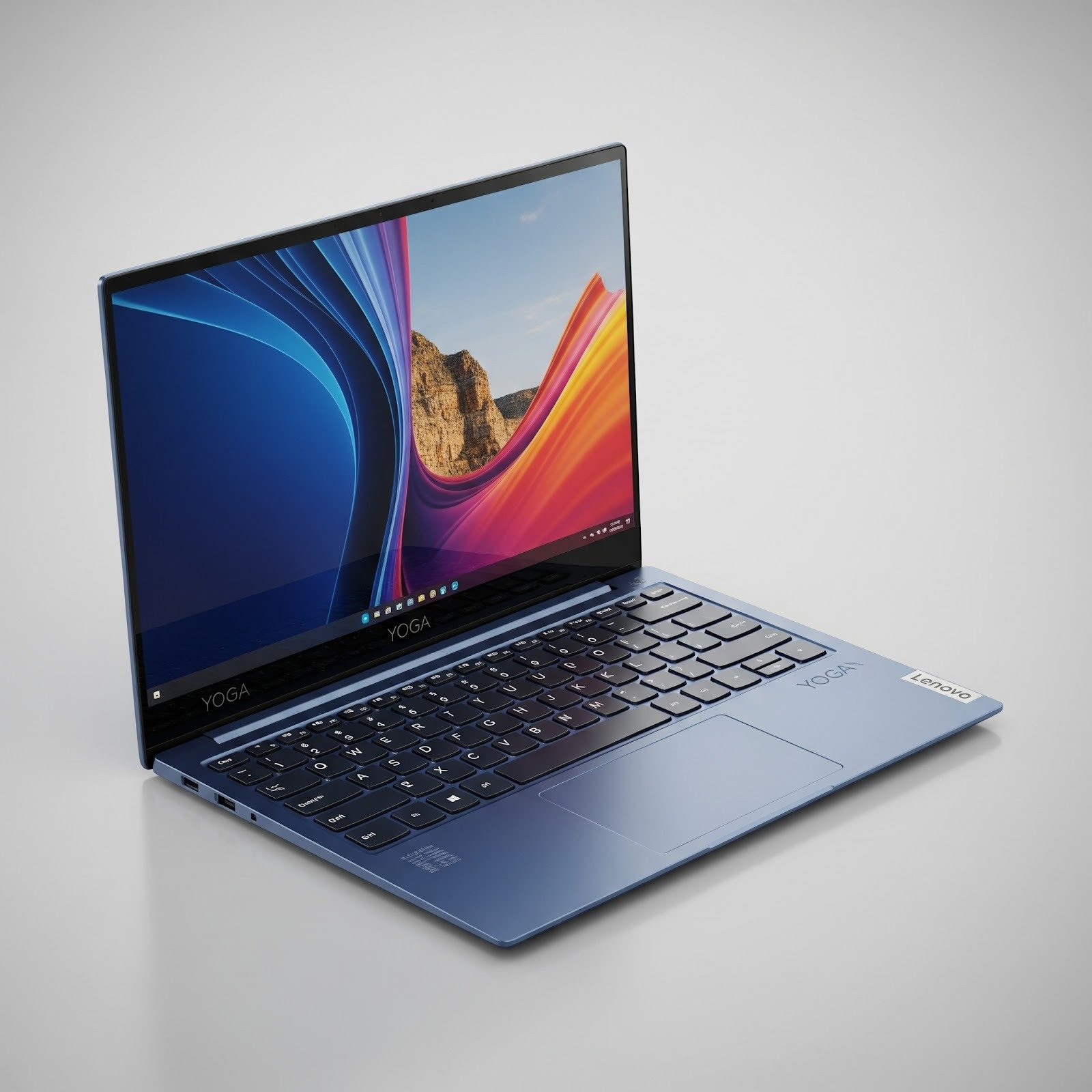
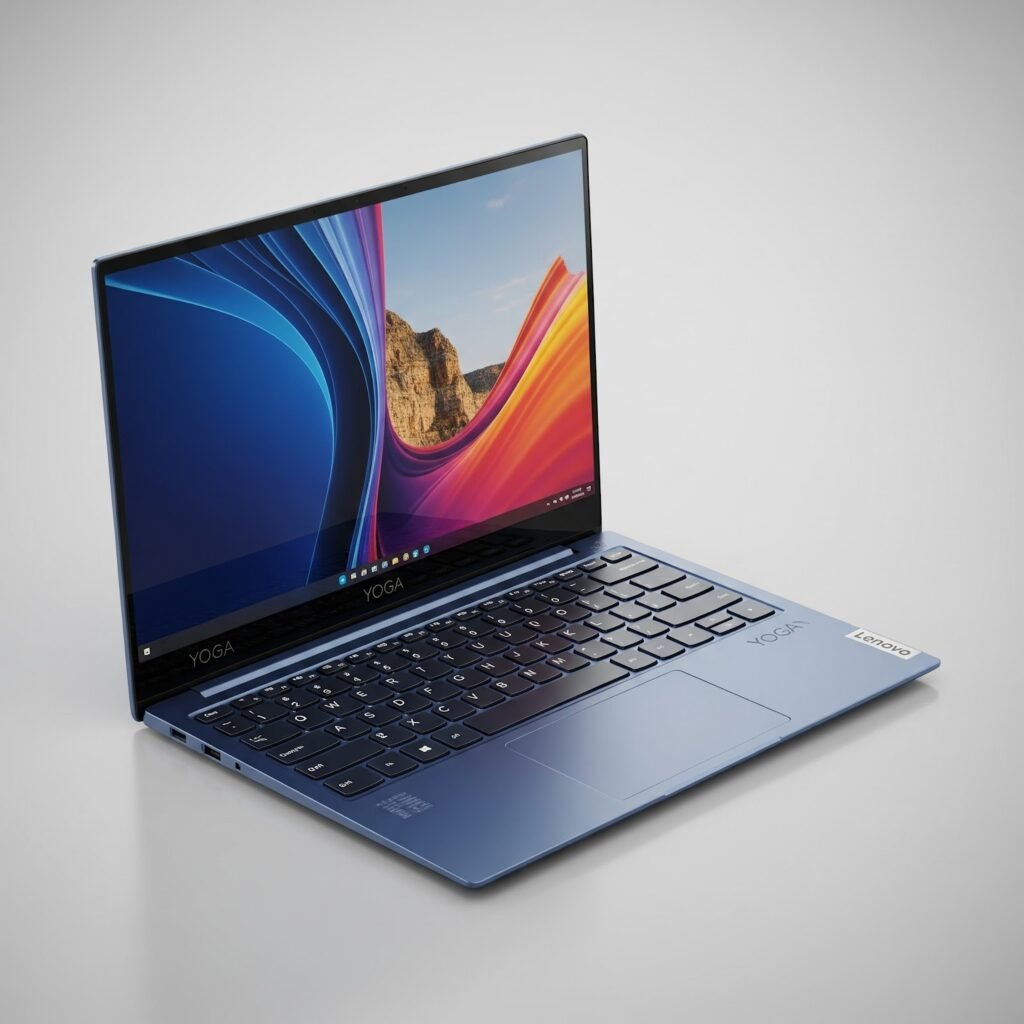
    My personal experience with these Snapdragon chips has been overwhelmingly positive and I appreciate the slim and lightweight design of these machines over a gaming laptop. I did purchase my Lenovo Yoga Slim 7X on sale, which made the buying process even better.

    Would I recommend this and other Snapdragon based PCs? Absolutely. With the combined attributes of weight, speed, design, and value for the money, you simply can’t go wrong with a Snapdragon plus or elite PC. 

    Dare I even say, it’s more impressive and faster than a Mac in real life use.

error: Content is protected !!